Record or import
Capture your microphone with pause and resume, or bring in audio files you already have.
 In development · Linux first
Record a meeting, import an interview, or capture a voice memo. Kikoe turns audio into searchable, editable notes with cloud speech-to-text services or models that run on your own computer.
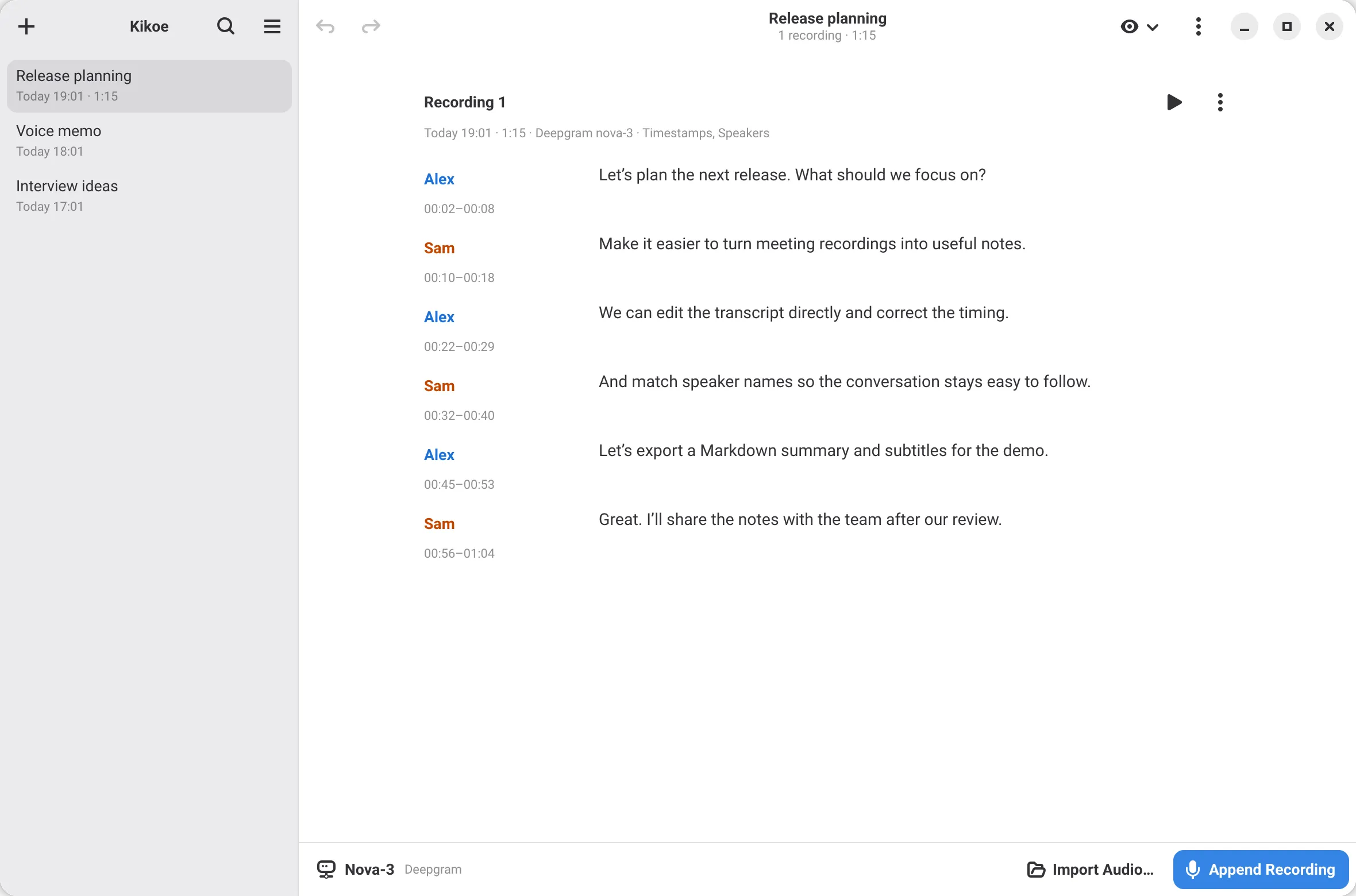
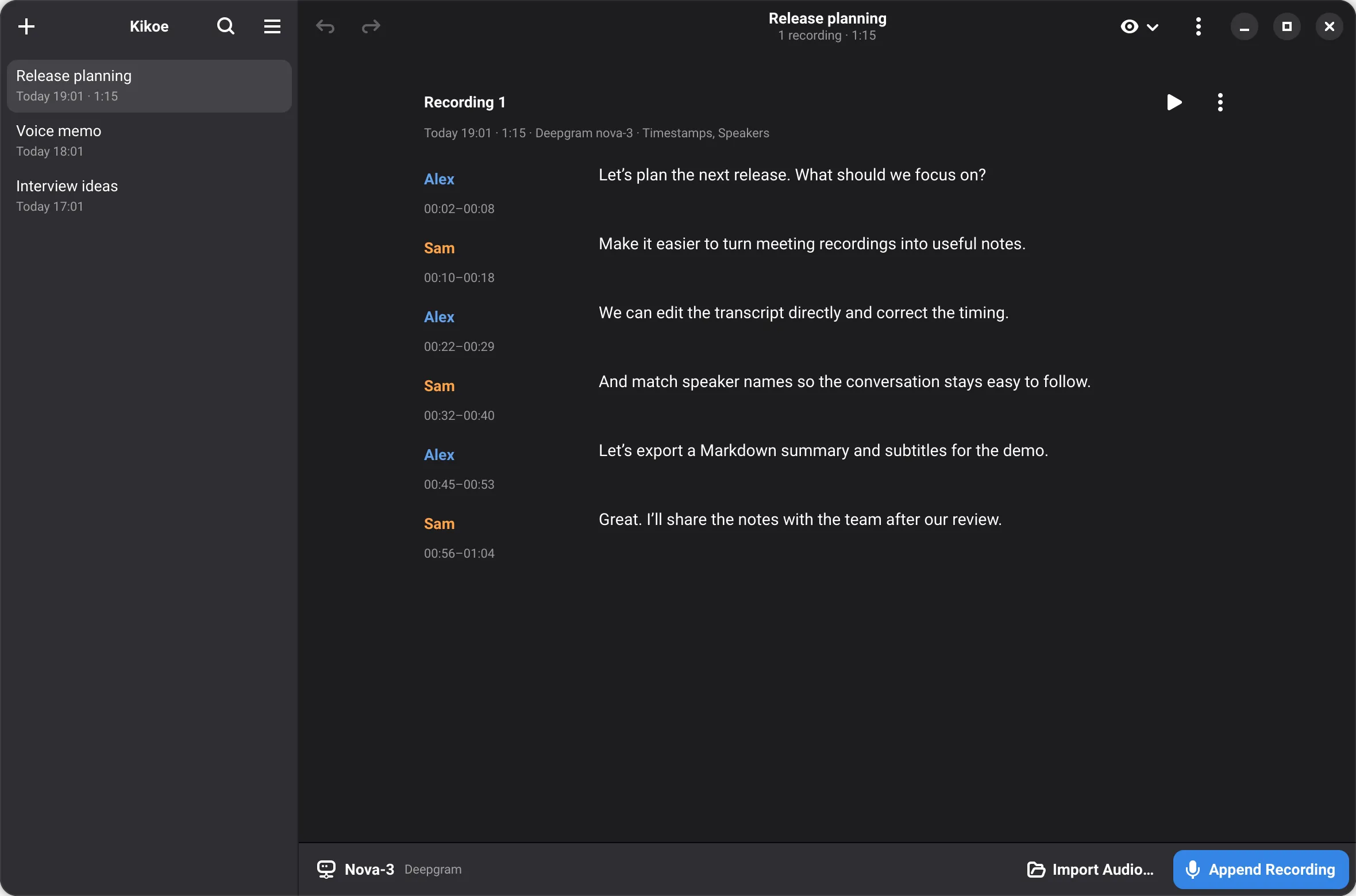
Recording, transcription and review live in one window. Your audio stays on your computer, and nothing uploads without you choosing a cloud model.
Capture your microphone with pause and resume, or bring in audio files you already have.
Deepgram, OpenAI, Gemini, Groq, Mistral and more, or any audio-capable LLM with your own prompt.
Download Whisper, Fun-ASR, Parakeet or Voxtral and transcribe on your own GPU or CPU. No account needed.
Optional timestamps and speaker labels, with names you can match across recordings.
Edit text and timestamps in place with Undo and Redo, and search across titles and transcripts.
Export plain text, Markdown, SRT or WebVTT subtitles, or the original audio.
Pick a model per note. Options a model does not support are turned off for you, so every choice in Preferences is one that works.
File and live transcription, with timestamps and speakers where the service provides them.
Models download from Preferences → Local Models and run with transcribe.cpp.
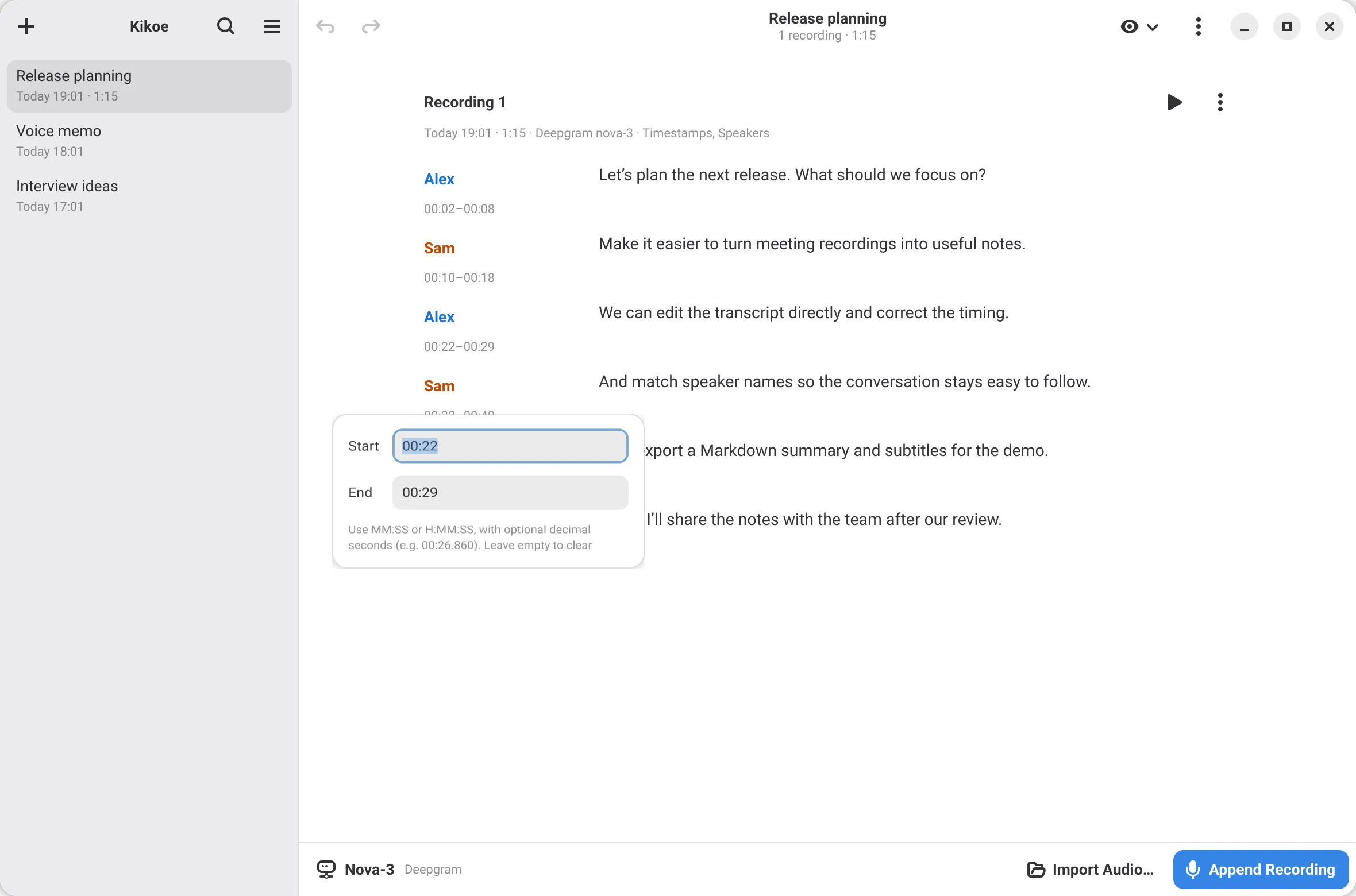
Edit segment timestamps right beside the text.
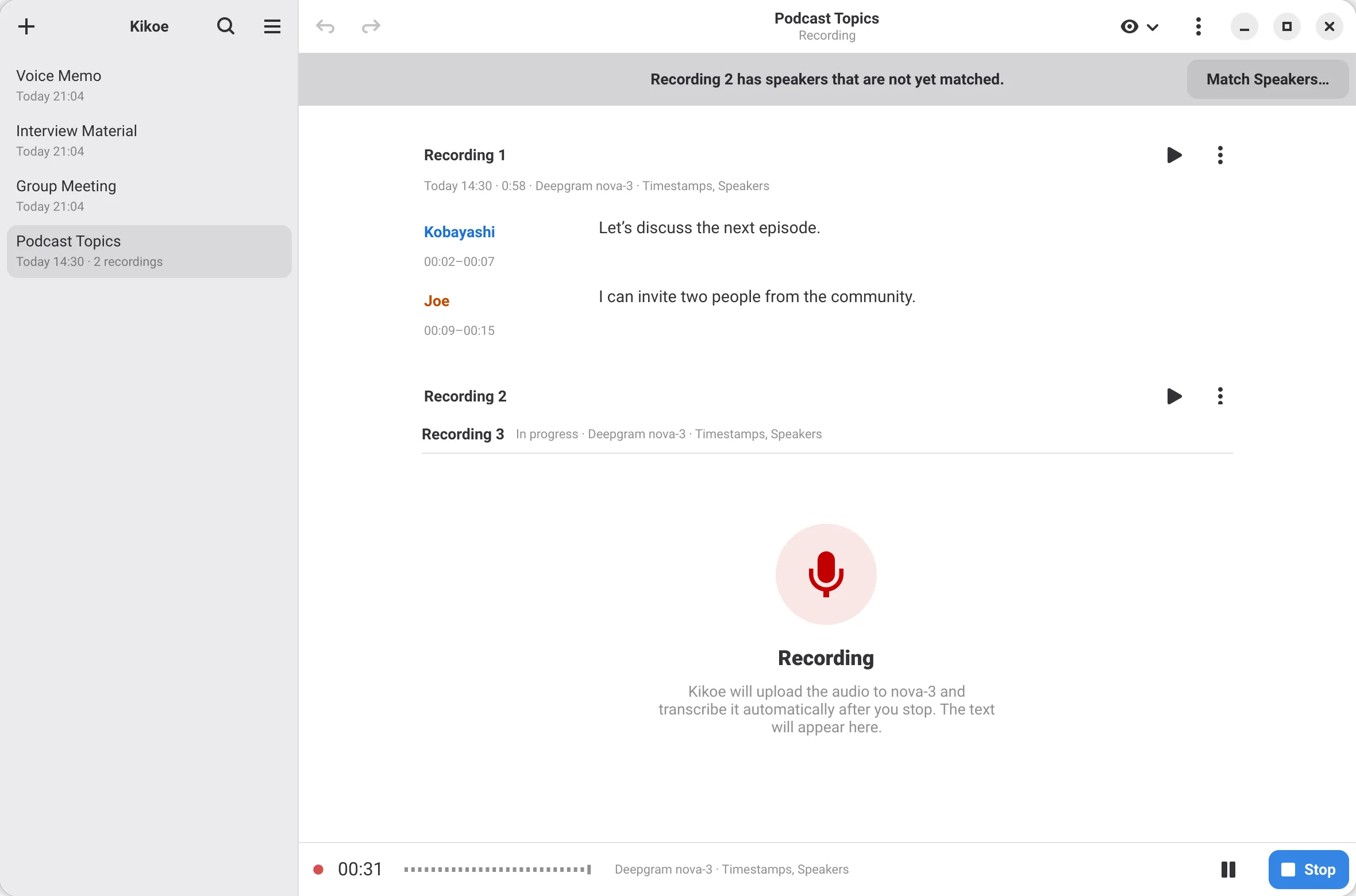
Append recordings and match speakers across them.
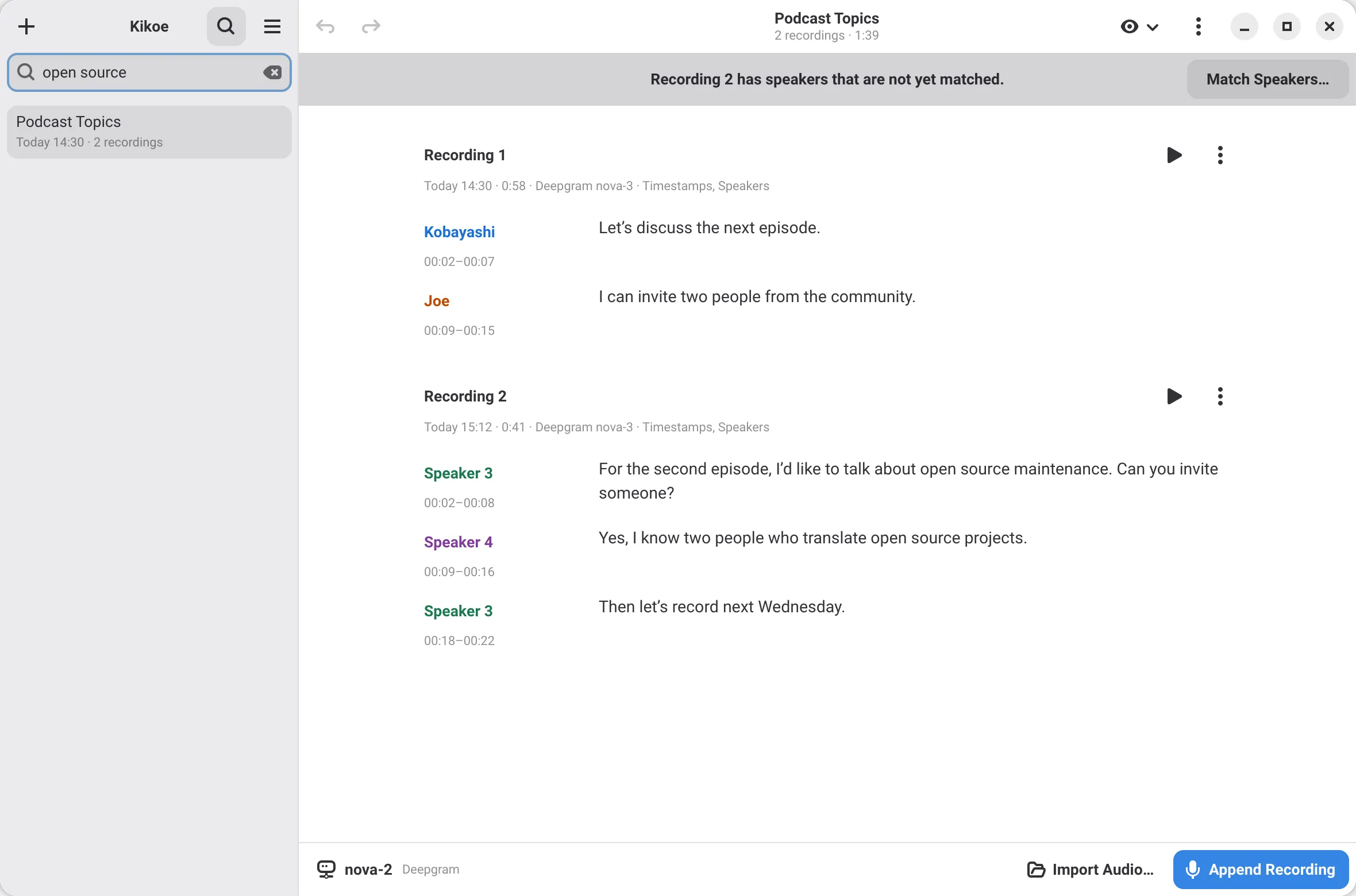
Search matches titles and full transcripts.
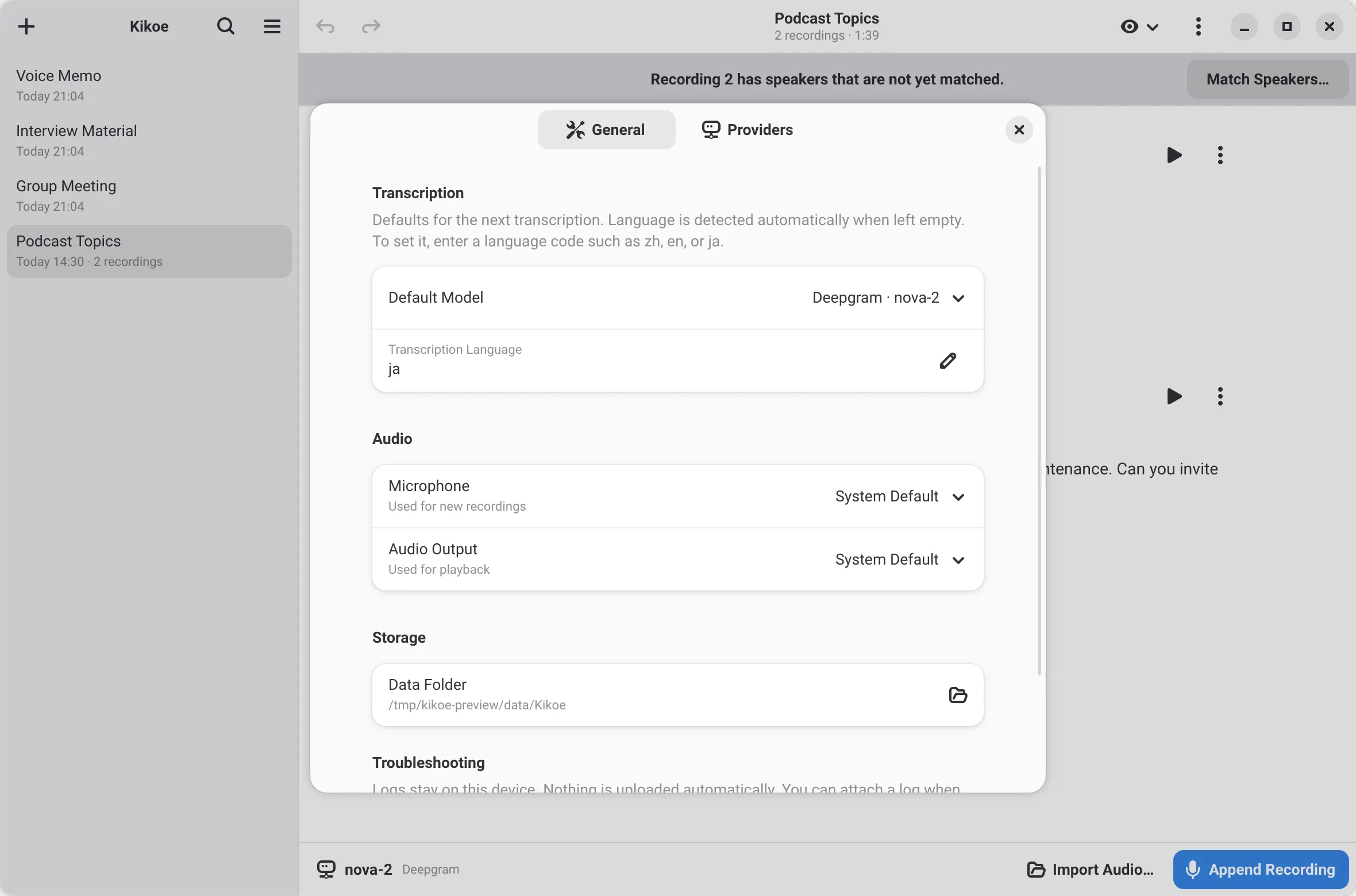
Add API keys or download local models in Preferences.
Add an API key and a model in Preferences, or download a local model.
Record your microphone, or import audio with a file model.
Review the text, name speakers, and export from the note menu.
The Kikoe Flatpak repository also delivers updates.
flatpak remote-add --user --if-not-exists kikoe https://first-storm.github.io/Kikoe/kikoe.flatpakrepoflatpak install --user kikoe io.github.first_storm.KikoeKikoe is still in development. Report issues, test real provider accounts, or translate it into your language.